BDS LaunchPad28.0
Publisher Description
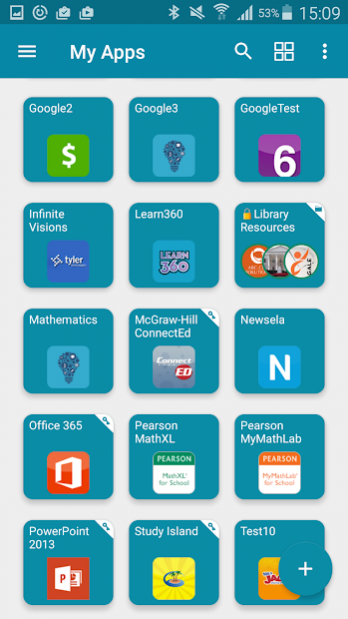

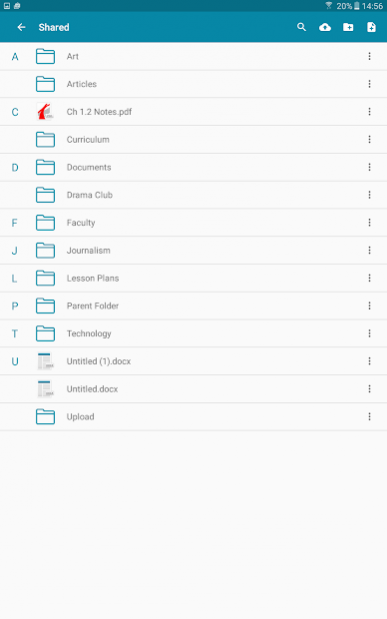
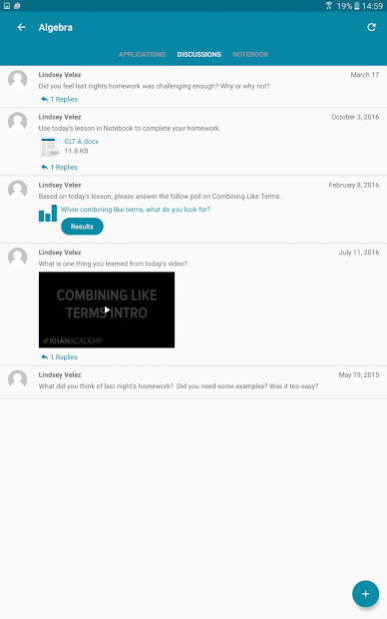
BDS LaunchPad is your personalized cloud desktop providing access to school from anywhere on any device. BDS LaunchPad is ideal for empowering students and staff to maximize academic effort by facilitating access to academic tools using your personal virtual instructional desktop.
With more and different devices showing up in the classrooms today, users expecting 24/7 access, and schools needing to lower costs, a different approach is needed and quick.
BDS LaunchPad gives you real time access to your cloud folders, any mapped Active Directory shares and Apps if your school or organization has BDS LaunchPad.
Seamlessly access all your files:
Dropbox
Google Drive
SkyDrive
School Network
BDS LaunchPad Cloud Drive
Now with printing support! Print your documents to any Air Print connected printer.
PLEASE NOTE: Your school or organization must have BDS LaunchPad WEB EDITION for this app to work.
About BDS LaunchPad
The company that develops BDS LaunchPad is ClassLink. The latest version released by its developer is 28.0. This app was rated by 3 users of our site and has an average rating of 3.3.
To install BDS LaunchPad on your Android device, just click the green Continue To App button above to start the installation process. The app is listed on our website since 2018-03-13 and was downloaded 70 times. We have already checked if the download link is safe, however for your own protection we recommend that you scan the downloaded app with your antivirus. Your antivirus may detect the BDS LaunchPad as malware as malware if the download link to com.classlink.bdsl.android is broken.
How to install BDS LaunchPad on your Android device:
- Click on the Continue To App button on our website. This will redirect you to Google Play.
- Once the BDS LaunchPad is shown in the Google Play listing of your Android device, you can start its download and installation. Tap on the Install button located below the search bar and to the right of the app icon.
- A pop-up window with the permissions required by BDS LaunchPad will be shown. Click on Accept to continue the process.
- BDS LaunchPad will be downloaded onto your device, displaying a progress. Once the download completes, the installation will start and you'll get a notification after the installation is finished.
Program Details
System requirements
Download information
Pricing
Version History
version 28.0
posted on 2018-03-13
Bug fixing and improvements.
